What Are We Working With
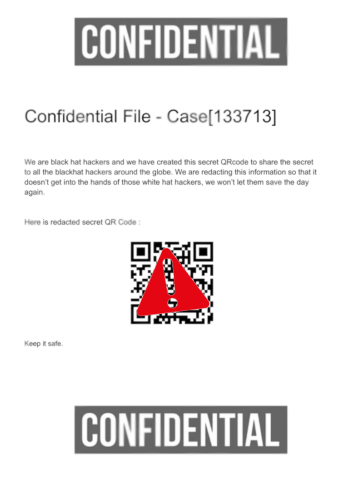
The challenge description tells me everything I need to know upfront. There is a PDF file sitting at /home/ubuntu/confidential and inside it there is a QR code that contains an invite code for some hacker group. The QR code is being covered by an image or a sign placed on top of it, hiding it from view.
So the goal is simple. Get to that QR code and scan it.
Opening the File
First thing I did was open the PDF and the key thing I noticed about the sign is that it looked like a separate layer, not baked into the document itself.
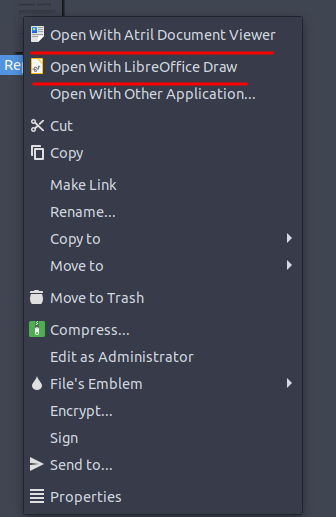
The default program that opens it is Atril Document Viewer and it is fine for just reading things, but it does not let you interact with or edit anything inside the file. You can look at it all you want but you cannot touch anything.
That is the first wall. I needed something that would actually let me move things around inside the document so I can remove/move the icon covering the QR code.
So I opened it with LibreOffice Draw instead.
Removing the Cover
Once it was open in LibreOffice Draw, I grabbed the sign and dragged it to the side. And yeah, there was the QR code. You can also just click on the sign and delete it entirely if you want, same result either way.
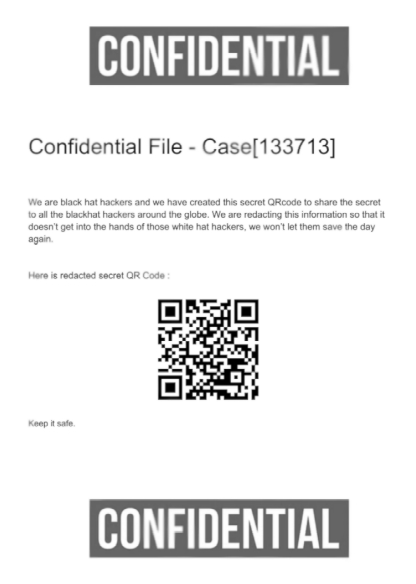
This is the whole point of the challenge. The person who made this PDF thought that throwing an image on top of something was the same as actually removing it. It is not. The original content is still there. It is just covered up. Anyone with a program that lets them move layers around can undo the whole “redaction” in about five seconds.
Scanning the QR Code
With the QR code visible now, I just needed to scan it. I used an online QR code scanner for this, you can use your phone camera too if you want, both work.
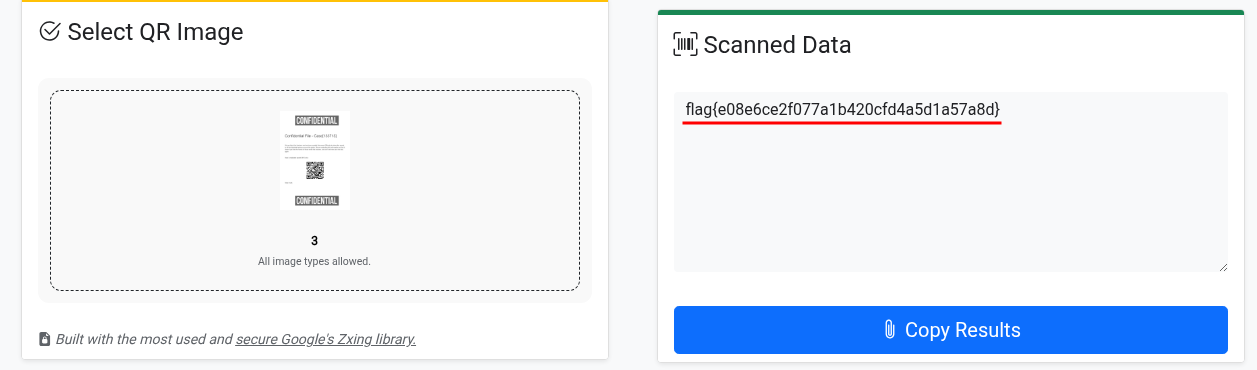
Scan it and you get the flag.
Flag: flag{e08e6ce2f077a1b420cfd4a5d1a57a8d}
Short one but the lesson is good. Covering something with a layer in a PDF is not redaction. Real redaction means the data is gone. If you just slap an image on top of text or a QR code, the original is still underneath it. LibreOffice Draw, or really any editor that handles layers, will expose it instantly. People get burned by this with sensitive documents all the time.