Recon
Reading the description, I knew I had to bypass authentication to get access and find the flag. It’s web based so after starting the machine I navigated straight to the website to check it out.
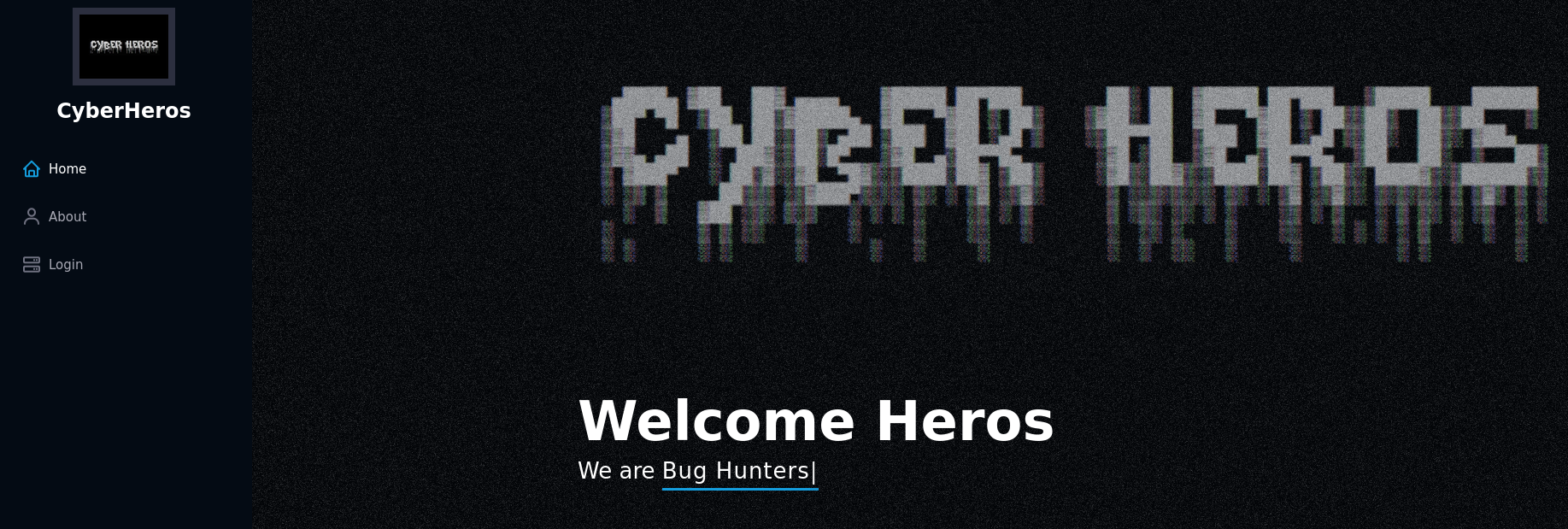
This is what I saw at first glance. I clicked around and read through the content to look for anything weird.
The about page was basically just telling me to hack the login page. Alright, challenge accepted.
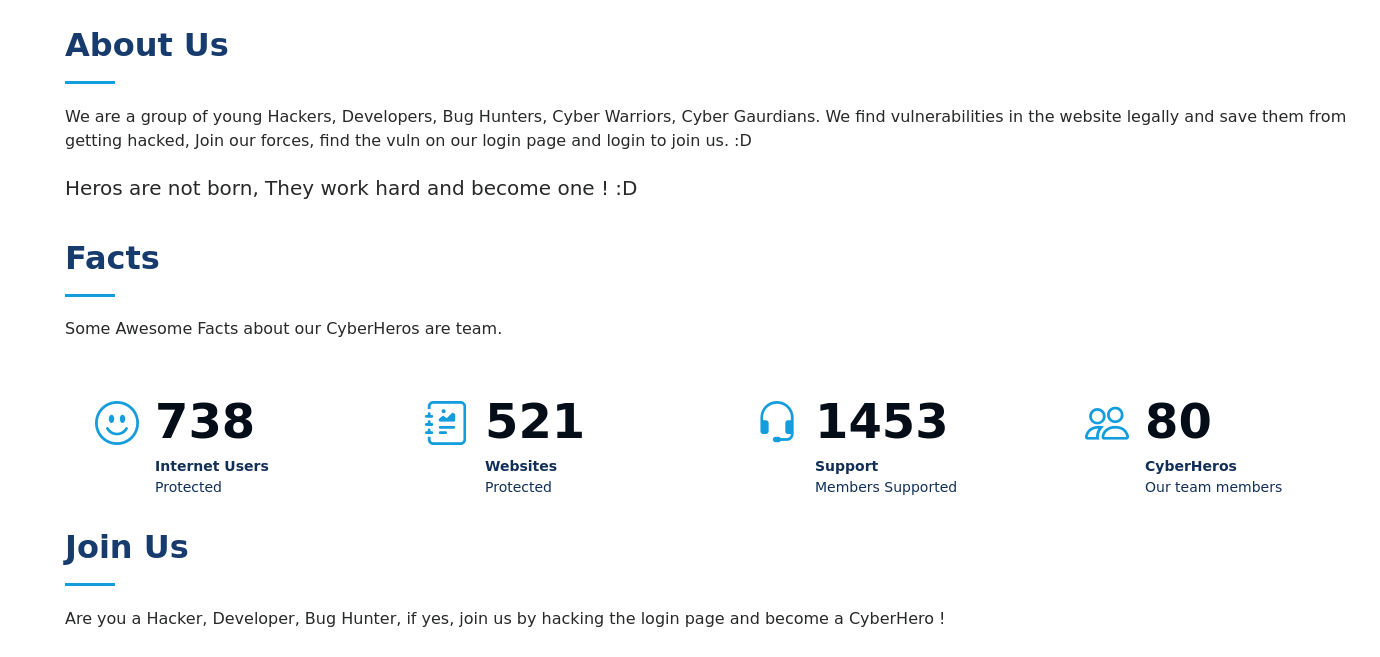
The Login Page
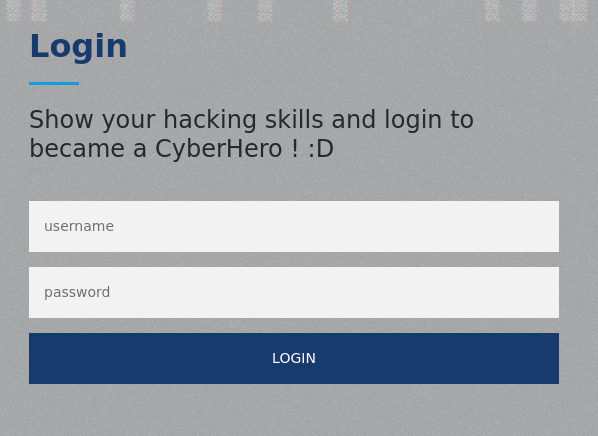
This is the login page. Before trying anything, I opened the page source to see if there was anything interesting hiding in there.
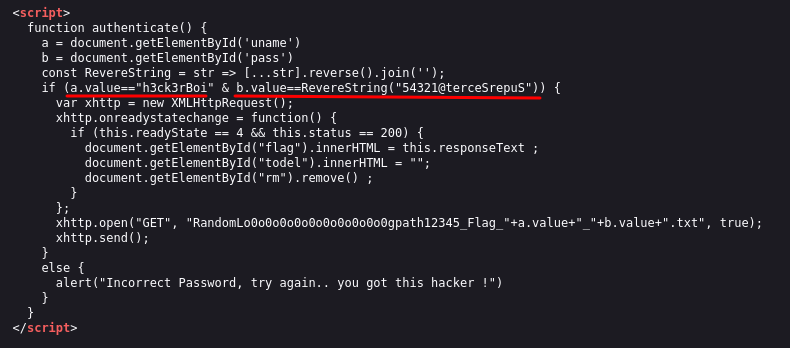
This part caught my eye straight away. The source code was literally handing me the credentials. The username was right there: h3ck3rBoi. The password was also there but written as a reversed string: 54321@terceSrepuS. I just had to flip it around to get the real password: SuperSecret@12345.
Sometimes developers leave credentials or hints in the source code by accident, or in this case on purpose as part of the challenge. It’s always worth reading through it because you never know what you might find.
Getting the Flag
I plugged in the credentials and logged in.
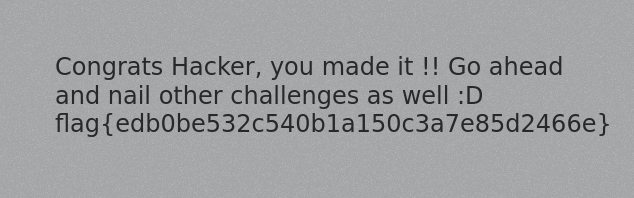
Flag: flag{edb0be532c540b1a150c3a7e85d2466e}
- Always read the page source before trying anything fancy, the answer might just be sitting there
- If you see a string that looks reversed or encoded, try flipping it or decoding it before moving on
- Simple challenges like this are a good reminder that misconfigurations and careless code can be just as dangerous as complex vulnerabilities