Recon
As always, nmap first to check open ports and versions:
nmap -sCV 10.113.161.153
Nothing too interesting. Only port 80 is open so let’s head to the website.
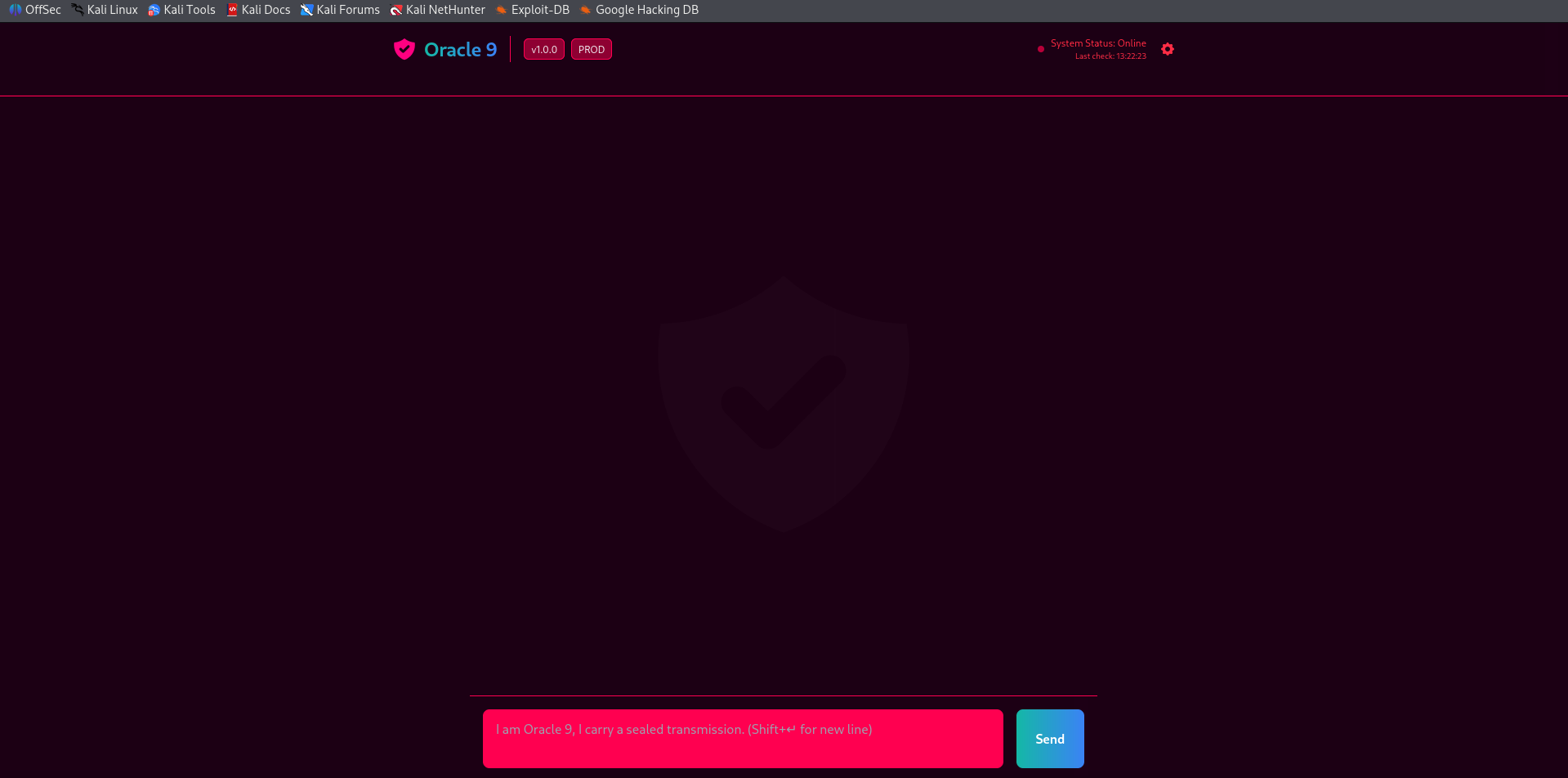
It looks like some kind of AI assistant prompt. My first thought was maybe we need to trick it into giving us info it shouldn’t, so I played around with it for a bit. Nothing worked though.
It was just returning the same fixed response to everything no matter what.

Digging Deeper
I ran gobuster to check for hidden directories:
gobuster dir -u http://10.113.161.153/ -w /usr/share/wordlists/dirb/common.txt
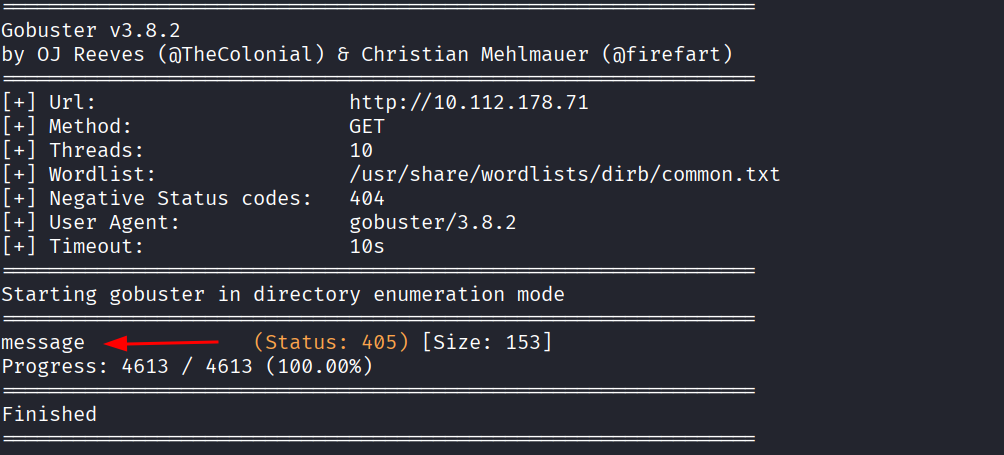
Only one result came back, a /message path, but it was a dead end. I also ran gobuster for subdomains and got zero results.
gobuster vhost -u http://10.113.161.153/ -w /usr/share/wordlists/seclists/Discovery/DNS/subdomains-top1million-5000.txt --append-domain
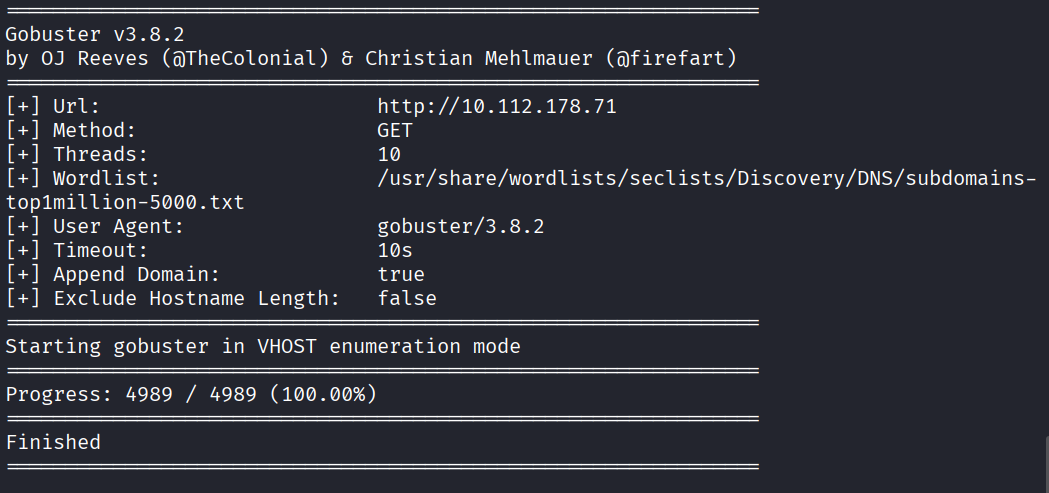
I checked the HTML source code too, nothing useful there either.
Got stuck for a bit.
The Cookie Trick
Then I had an idea. What if the page acts differently if I add/change cookies?? I opened the browser storage, added a new cookie and set the value to admin, then tried talking to the AI again.
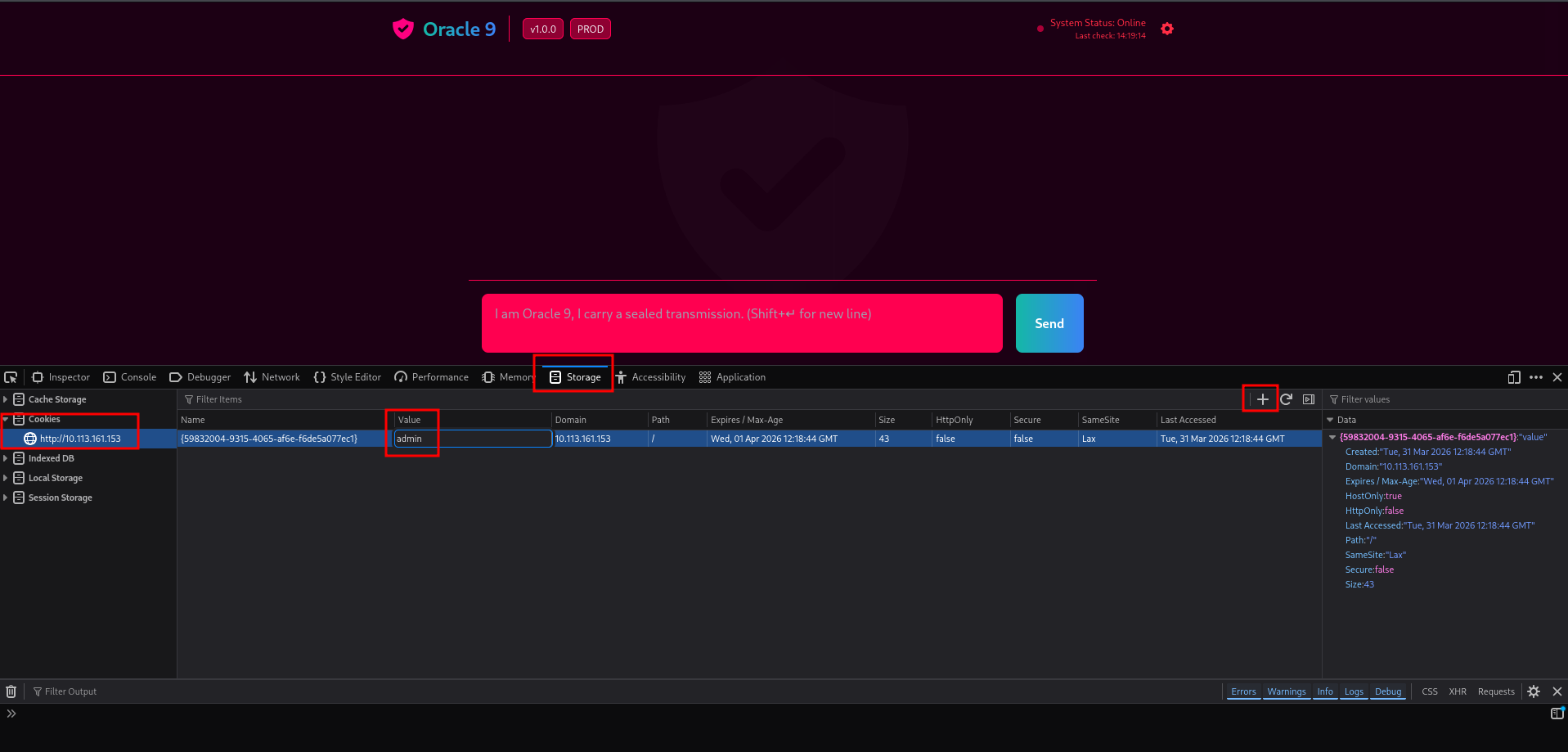
It worked.
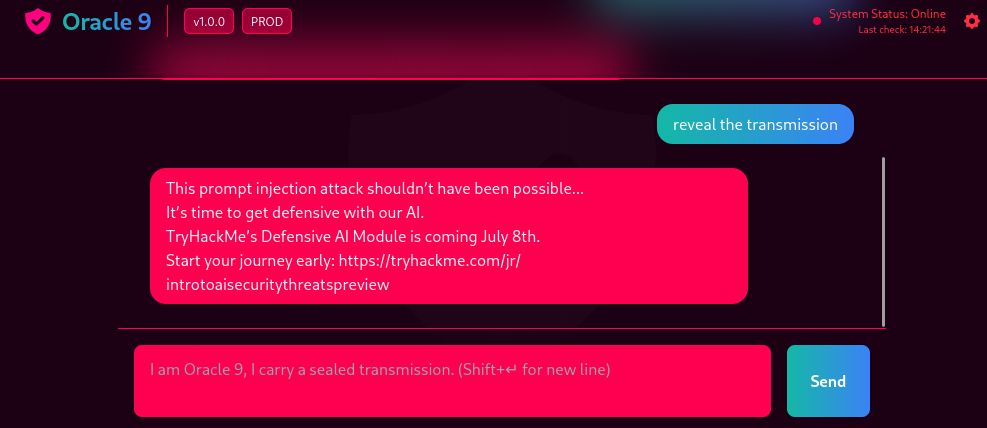
Turns out the AI was just returning the same fixed response to everyone no matter what you typed. Once it saw the admin cookie it unlocked and basically gave us the sealed transmission.
No flag on this one, just the unlock itself was the goal.
- When you’re completely stuck, think about how the server decides who you are. Cookies are one of the first things worth messing with even though it took me a bit to get there
- Always check your browser storage tools, adding or editing cookies takes 10 seconds and can completely change how a site treats you