TakeOver
The description tells us this room has to do with ransomware and potentially removing it from a system. The hint also tells us to add the target’s IP to /etc/hosts, so that’s the first thing we do.
Setting Up /etc/hosts

Add your target IP and futurevera.thm at the bottom. Your IP will be different from mine.
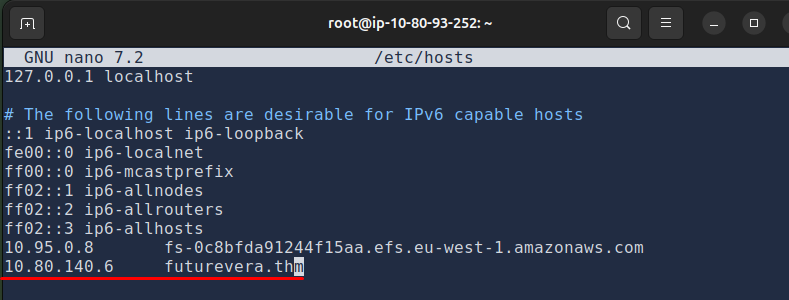
Ctrl + X to save and exit.
We do this because the machine doesn’t have a public DNS record. It only exists inside TryHackMe’s network. Without this mapping, your browser has no idea where futurevera.thm points to. Adding it to /etc/hosts manually tells your system: this domain points to this IP.
Now we can open the browser and navigate to futurevera.thm. You’ll get a certificate warning, press Advanced and accept the risk to continue. A FutureVera website appears.
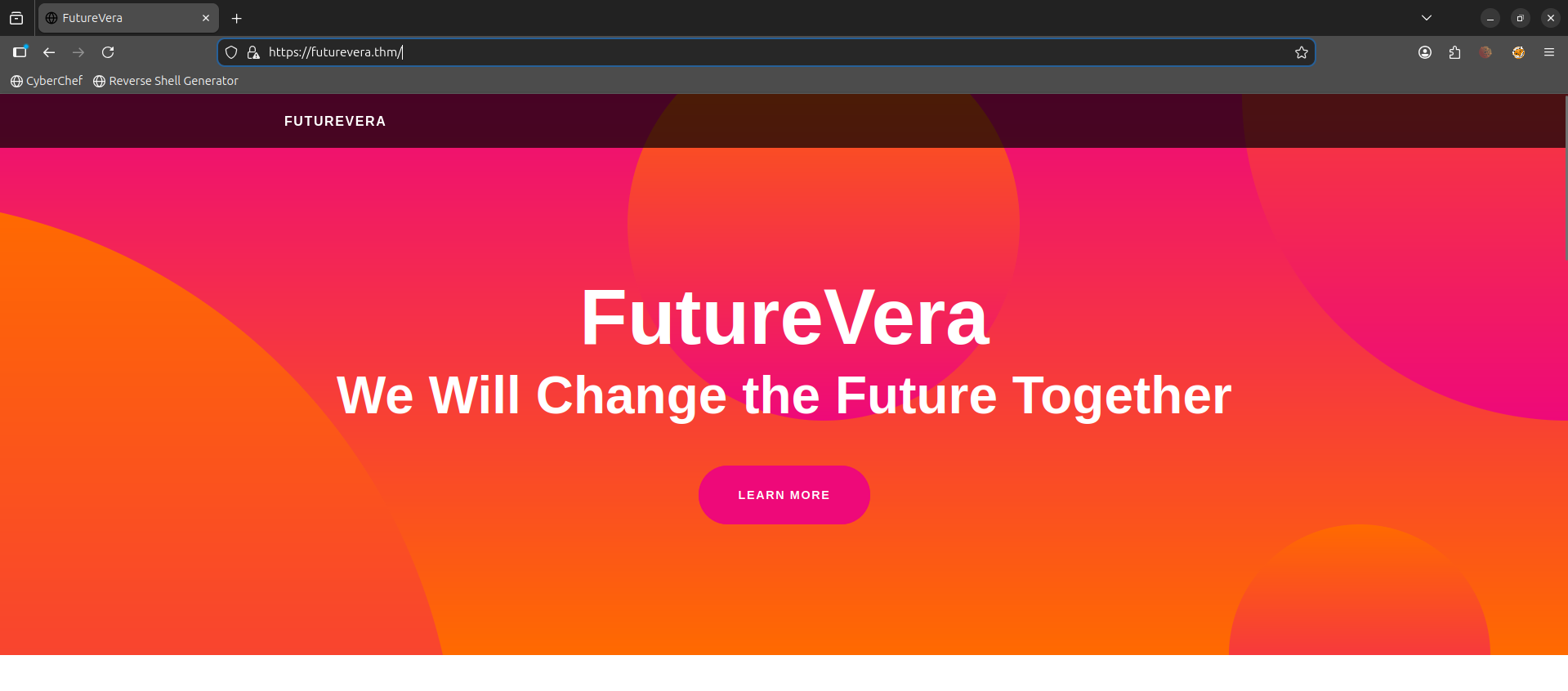
I click through everything, read the content, look for anything interactive. Not much to work with.
Subdomain Enumeration
The next thing I think of is scanning for subdomains with gobuster. The wordlist we’ll use is subdomains-top1million-5000.txt. Here is the syntax:
gobuster vhost -u https://futurevera.thm/ -w /usr/share/wordlists/seclists/Discovery/DNS/subdomains-top1million-5000.txt
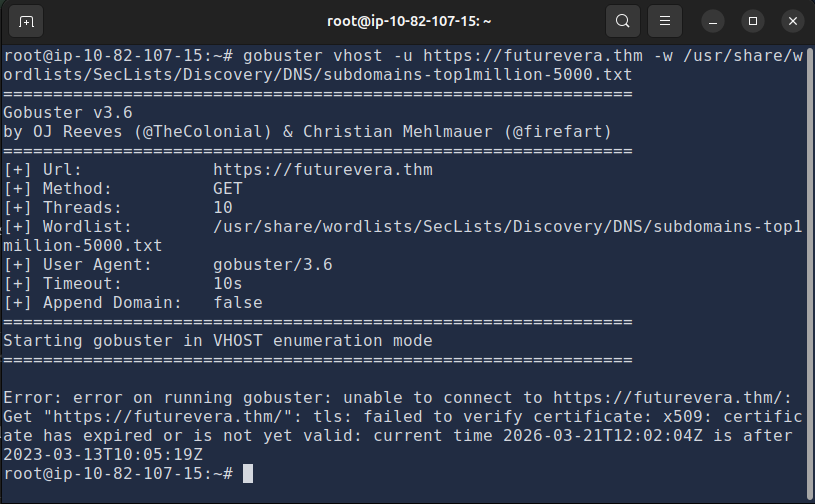
I get a failed to verify certificate error. Add --append-domain -k at the end. The -k flag tells gobuster to skip SSL verification:
gobuster vhost -u https://futurevera.thm/ -w /usr/share/wordlists/seclists/Discovery/DNS/subdomains-top1million-5000.txt --append-domain -k
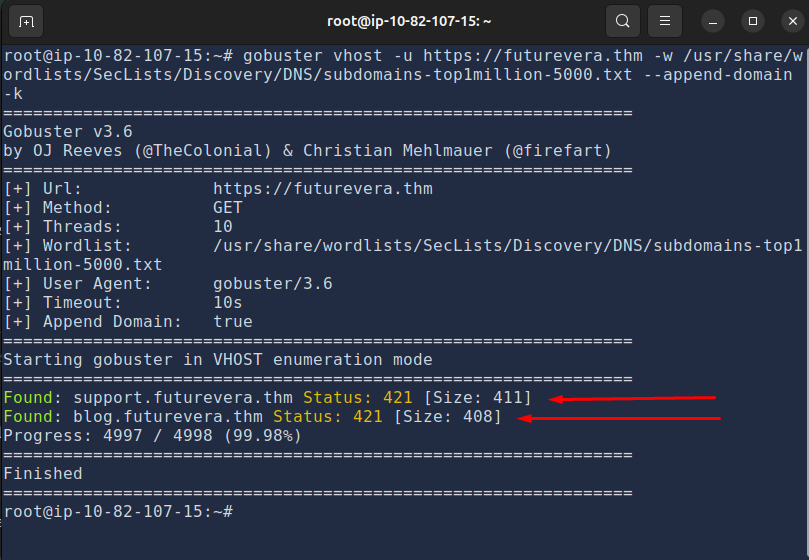
It found two subdomains: support and blog. Let’s add both to /etc/hosts:
sudo nano /etc/hosts
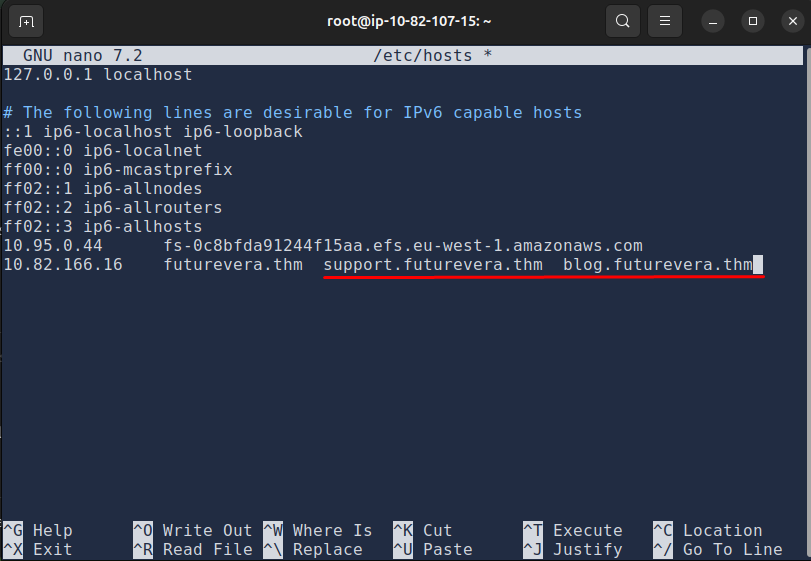
Exploring the Subdomains
blog.futurevera.thm looks pretty normal. The room description hints “we are rebuilding our support” so I’m more interested in support.futurevera.thm. That feels like where the flag is hiding.
Nothing interesting on the surface. Page source, nothing. Dead end.
Certificate Inspection
I go back and check the SSL certificates for all three domains. The original, blog, and support pages. To view a certificate: click the padlock icon → Connection not secure → More information → View Certificate.
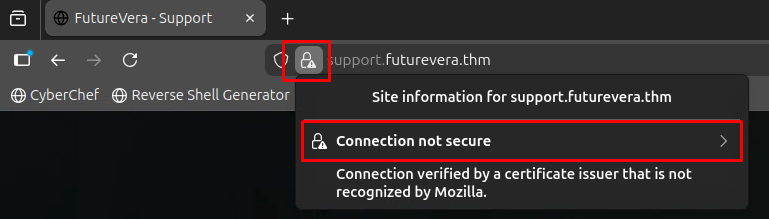
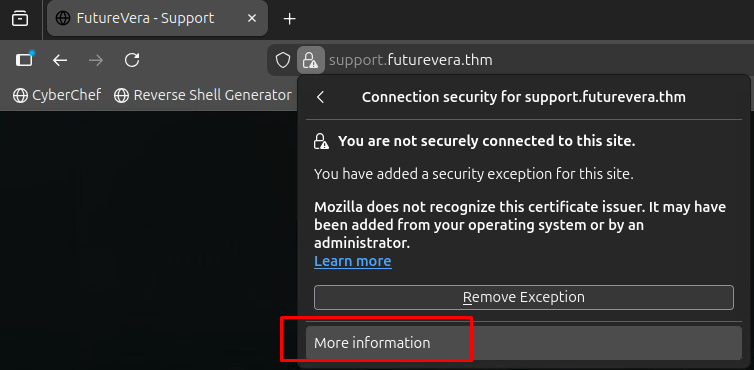
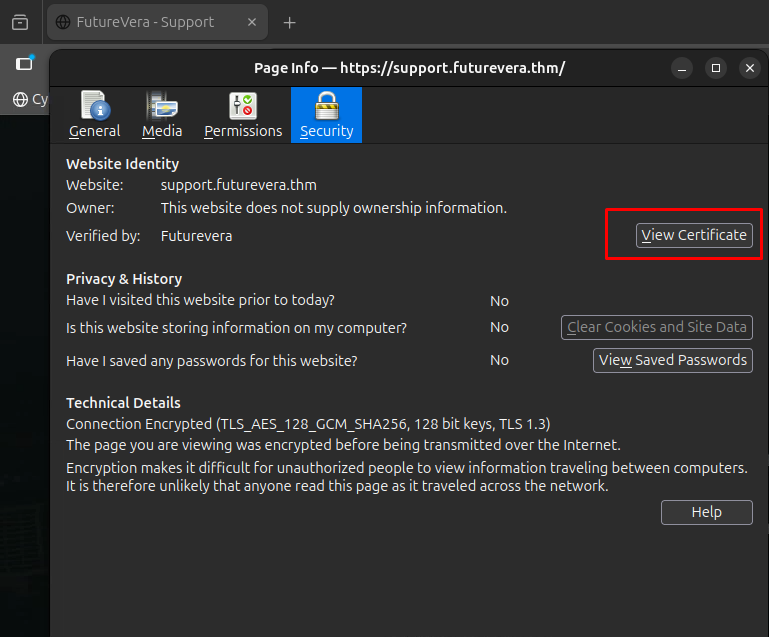
Nothing on the original or blog page. But the support page gives us something:
Scrolling down to Subject Alternative Names, there’s a subdomain that was clearly meant to be hidden:

secrethelpdesk934752.support.futurevera.thm
Let’s add it to /etc/hosts and see where it leads. I navigate to https://secrethelpdesk934752.support.futurevera.thm and it just loads the main FutureVera website. Weird. I check the certificate too, nothing new there either.
Nmap Scan
At this point I got a bit stuck so I run an nmap scan to check what services are running. Ideally this is something you do at the start, but better late than never:
nmap -sV futurevera.thm
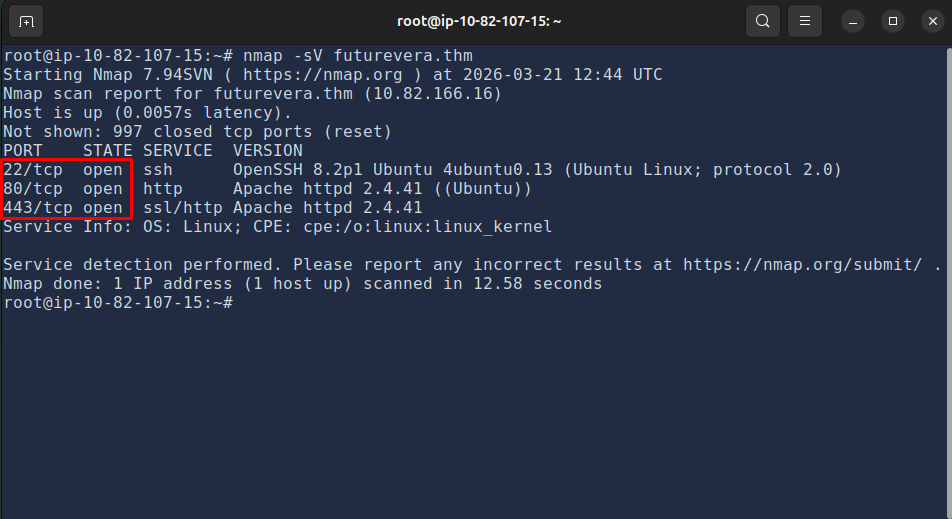
Open ports: 80, 443, and 22. Nothing unusual.
HTTP vs HTTPS
This whole time I’ve been accessing the hidden subdomain over https (port 443). I never tried plain http (port 80).
I swap it out and navigate to:
http://secrethelpdesk934752.support.futurevera.thm
It works. The flag is right there.
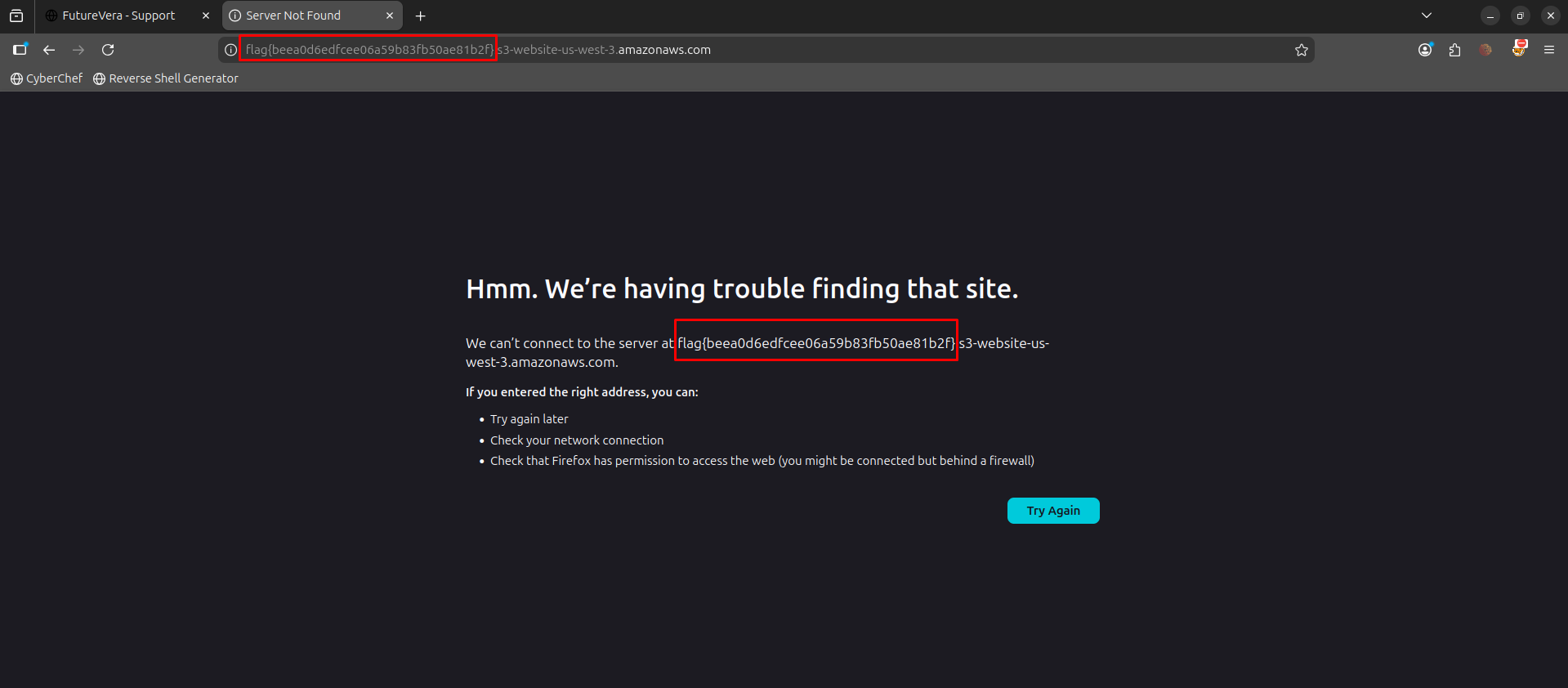
- If a company has a “secret” internal subdomain but it’s listed in the certificate’s SANs, it’s not secret at all
- Always try both
httpandhttps. Easy to forget when you’re stuck going in circles
Flag: flag{beea0d6edfcee06a59b83fb50ae81b2f}